Trust guide

Is tinkercad safe for everyday projects?

If you are wondering is tinkercad safe, the useful answer is more specific than a simple yes or no. Tinkercad is generally suitable for learning, prototyping, and classroom projects when you use sensible account, sharing, and privacy habits.

Web-based
Runs in a browser
3D + circuits
Two core project areas
Beginner-focused
Designed for accessible making

Older web tools often made trust a matter of guesswork: users relied on forum comments, scattered settings, and unclear sharing behavior. A safer review starts by separating the tool itself from the choices made around it.

how it is done today

Today, a sensible Tinkercad safety check combines platform awareness with simple habits. Different users face different risks, so the right routine depends on whether you are learning, teaching, designing, or testing circuits.

First-time makers

You want to try a small 3D design without exposing personal details or sharing unfinished work widely.

Use a strong, unique password, add only necessary profile information, and keep project sharing limited while you learn.

how to use tinkercad
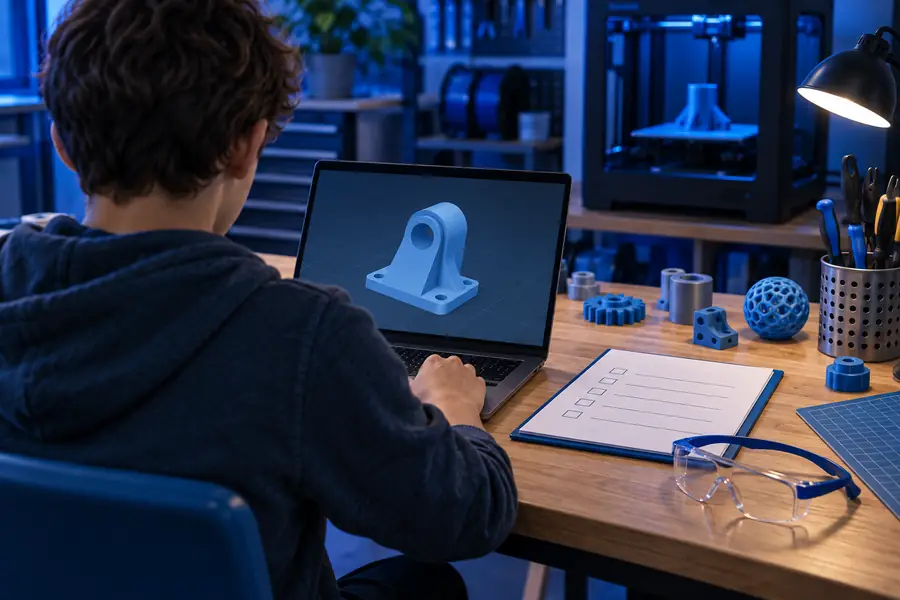
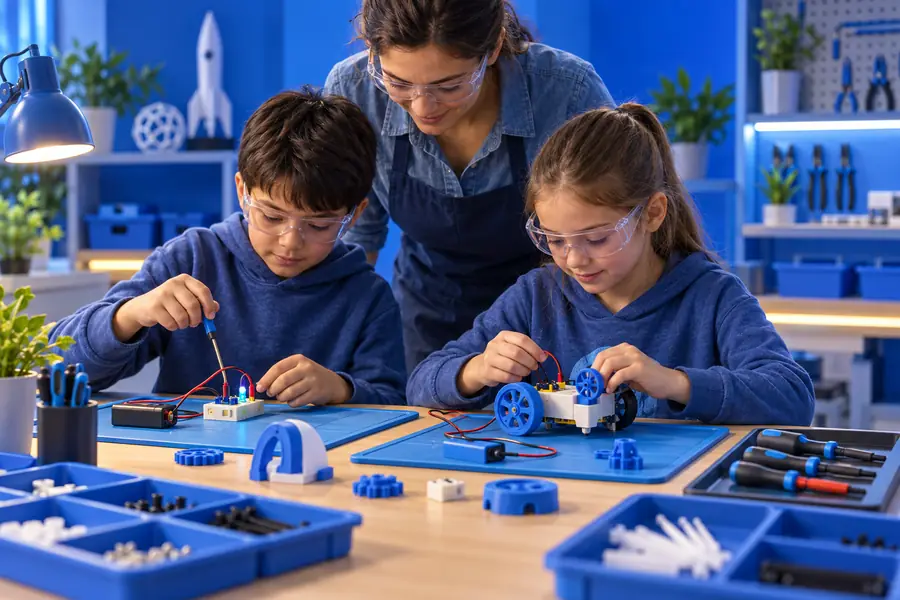
Teachers and students

A class needs a collaborative place for models or circuit exercises.

Use classroom guidance, explain what should remain private, and review shared links before distributing them.

tinkercad for classrooms

Circuit learners

You are testing an Arduino-style idea in a simulated environment rather than handling live hardware.

Simulation is useful for learning logic, but label results as simulated and verify them before building a physical circuit.

tinkercad circuits

3D printing hobbyists

You are preparing a model that may contain a name, logo, class project, or other identifying detail.

Remove sensitive information from the design and check who can view or copy the shared project before exporting it.

tinkercad for 3d printing

what changed

The practical standard for judging Tinkercad has shifted from “does the editor work?” to “can I control what I share, where I use it, and what I trust it to do?” A short review process keeps those questions visible.

  1. 1

    Check the account

    Use a unique password and avoid placing unnecessary personal information in your profile, project names, or public descriptions.

  2. 2

    Check the project

    Before sharing, inspect the visibility and link behavior. Treat a public project link as something that may be copied or passed on.

  3. 3

    Check the output

    Review exported models, screenshots, and circuit results before publishing or building. A safe tool does not make every file or design automatically safe.

who switched

The biggest change is a move from trusting a platform by reputation alone to using a repeatable safety routine. The comparison below shows the difference between passive use and informed use.

  • Assume and share
  • Review and control

Safety improves when account, project, and output checks become part of the normal workflow.

A user opening a Tinkercad project without checking its settings
A user reviewing Tinkercad privacy and sharing choices

Trust signals worth checking

These are useful signals, not guarantees. They help you decide whether a particular Tinkercad session is appropriate for your project and audience.

1 3D design and Circuits support different learning goals
2 core areas
2 Account, project, and output checks cover the main workflow
3 checks
3 Keep sensitive work in the right account and sharing context
1 browser session
4 Do not treat a familiar tool as risk-free by default
0 assumptions

What a safe setup cannot do

No browser tool can remove every risk. These limits are why good judgment still matters when using Tinkercad for school, home, or public projects.

  • It cannot guarantee private projects

    A project may become visible through a sharing choice, copied link, screenshot, or exported file.

    WorkaroundReview visibility before sharing and avoid placing sensitive information in the design or its title.

  • It cannot verify every downloaded file

    Imported assets, libraries, and files from other people may contain unsuitable content or misleading instructions.

    WorkaroundUse trusted sources, scan downloads when appropriate, and inspect assets before adding them to a project.

  • It cannot replace adult supervision

    Younger users may still encounter public content, communication features, or account decisions they do not understand.

    WorkaroundUse age-appropriate guidance, classroom rules, and an adult review of account and sharing settings.

  • It cannot make simulation equal reality

    A circuit that behaves correctly in a simulator may still fail or become unsafe when built with real components.

    WorkaroundFollow component ratings, use proper power protection, and test physical circuits carefully.

its own FAQ

These answers address the trust question directly, including the concerns people commonly raise when searching forums and asking whether Tinkercad is trustworthy.

Tinkercad is generally considered suitable for beginner design, education, and circuit simulation when used with normal online safety habits. Trust should still be practical rather than automatic: review account details, project visibility, shared links, and exported files.

Yes, it is designed to make 3D design and circuit concepts approachable for beginners. Beginners should still avoid sharing personal information, use a strong password, and understand that public projects or links may be copied.

Start with the account and privacy choices, then inspect who can view or access each project. Also review imported assets, public descriptions, screenshots, and any physical circuit instructions before using or sharing them.

Forum discussions can reveal real user experiences, but they may describe an old interface, a specific account setup, or an unusual incident. Use those reports as prompts to verify current settings and policies rather than treating every post as a universal verdict.

No. It can provide a useful environment for learning and prototyping, but safety also depends on what information you enter, what you share, which files you import, and how you build anything outside the simulator.

Start creating
Start creating