First-time designer
You want to turn a rough idea into a visible object without learning a large professional tool first.
You can practice spatial thinking and build a shareable concept in a short session.
what is tinkercadSoftware overview
Tinkercad software is a browser-based creative workspace for simple 3D design, electronic circuits, and beginner-friendly coding. It turns visual ideas into shareable projects without a complex installation.
Keep exploring
Use these focused guides to move from the definition to a practical project or learning path.
Common confusion
The name can make the platform sound broader or more advanced than it is. These distinctions set useful expectations before you begin.
The simple interface favors quick visual construction over detailed parametric history, assemblies, and engineering documentation.
WorkaroundUse it for early concepts, then move a production model into a professional CAD workflow.
The circuit workspace simulates selected components and behavior on screen; it cannot reproduce every electrical, mechanical, or safety condition.
WorkaroundTreat simulation as a learning and debugging step, then test hardware with appropriate supervision.
Its coding tools are designed for visual logic, interactive projects, and introductory concepts rather than large software systems.
WorkaroundUse a dedicated development environment when you need libraries, deployment, version control, or complex applications.
A finished design still needs checking, exporting, and a compatible fabrication process before it becomes a physical object.
WorkaroundValidate dimensions and export settings for the printer, cutter, or workflow you will actually use.
How it works
The platform combines approachable tools rather than trying to replace every design or engineering application. A typical project follows a short visual loop.
Start with 3D design, circuits, or a coding activity depending on whether you are shaping objects, wiring components, or testing logic.
Drag shapes or components into a canvas, adjust visible properties, and connect ideas through direct manipulation instead of dense command panels.
Review the model or simulation, refine obvious errors, and share the project or prepare an export for the next stage of your work.
Core capabilities
These three surfaces explain why the tool works well for learning and quick concepts while remaining intentionally limited for advanced production work.
Side by side
The right choice depends on whether your priority is accessibility and iteration or detailed control and production depth.
Tinkercad software
Advanced CAD or engineering software
Tinkercad software
Beginners, students, educators, and quick concept builders
Advanced CAD or engineering software
Experienced designers, engineers, and production teams
Tinkercad software
Visual controls and direct manipulation make the first project approachable
Advanced CAD or engineering software
More commands, settings, and conventions require structured training
Tinkercad software
Combine and modify simple geometric forms
Advanced CAD or engineering software
Use parametric features, constraints, assemblies, and detailed histories
Tinkercad software
Introductory virtual wiring and supported component simulation
Advanced CAD or engineering software
Broader analysis, professional documentation, and hardware-oriented workflows
Tinkercad software
Good for straightforward forms and educational prototypes
Advanced CAD or engineering software
Better for tolerances, complex parts, manufacturing intent, and revision control
Tinkercad software
Learning, exploration, classroom work, and early ideation
Advanced CAD or engineering software
Validation, collaboration, manufacturing, and final engineering delivery
From idea to artifact
A simple visual model can be a strong starting point, but the same simplicity becomes a limitation when the finished result must meet demanding technical requirements.
Use the simple stage for ideas; switch tools when requirements become technical.

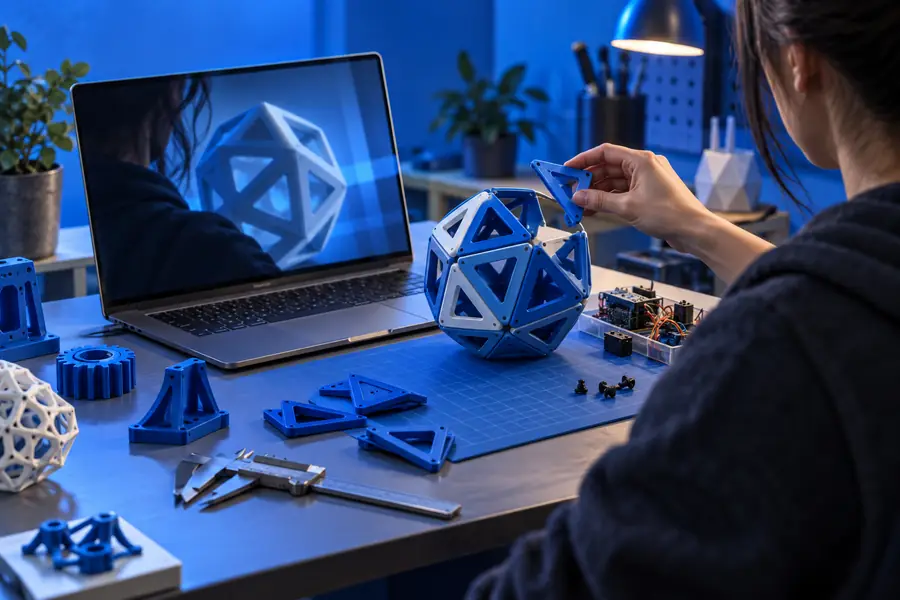
Best-fit users
The platform is most useful when the goal is to understand, communicate, or test an idea quickly rather than document a complex product for manufacture.
You want to turn a rough idea into a visible object without learning a large professional tool first.
You can practice spatial thinking and build a shareable concept in a short session.
what is tinkercadYou need to understand components, wiring, and basic behavior before touching physical hardware.
A virtual circuit gives you a lower-risk place to test connections and explain your reasoning.
tinkercad circuitsYou are planning a visual activity that connects geometry, design, and introductory engineering.
Students can work from a common browser-based starting point and discuss visible results.
tinkercad for studentsCommon questions
These answers focus on what the term means and how the platform fits into software and design work.
Tinkercad software is a browser-based tool for creating simple 3D designs, building virtual circuits, and exploring block-based coding. It is designed around visual interaction, so beginners can start without mastering a complex professional interface.
It is primarily used through a web browser rather than as a traditional desktop engineering package. That makes the workspace convenient for learning and sharing, although your browser, device, and connection still affect the experience.
It can support early visual prototyping, electronics learning, classroom activities, and demonstrations of basic programming logic. It is not intended to replace a full software development environment for building and deploying complex applications.
It can be useful for early concepts, teaching, and communicating simple ideas, but it has clear limits for production engineering. Projects requiring advanced parametric modeling, detailed assemblies, strict tolerances, or extensive simulation usually need a more specialized tool.